How to Redeem Your Coupon or Store Voucher
- Proceed to checkout
- Enter Your Email Address
- Make sure you use the same email address that received the store voucher.
- Enter this email in the Email Address field at the top of the checkout page.
- Add Your Voucher or Coupon
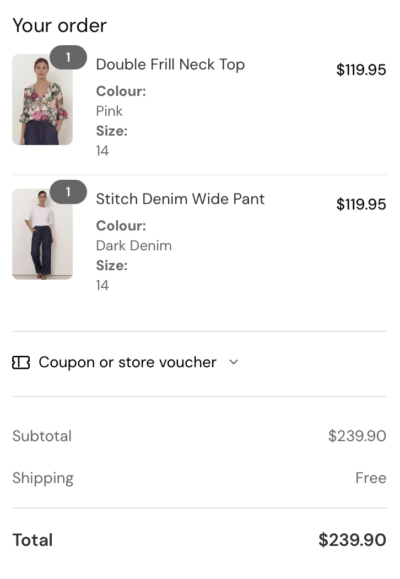
- In the Order Summary section, click/tap ‘Coupon or store voucher?’
- Enter the code in field that shows on screen
- Click ‘Apply’.
Important:
Store vouchers can only be applied if the email address used at checkout matches the one that received the voucher.
Having troubles with your store voucher